👈
Topics:
- 🚨 One filename change. Zero errors. Production broken.
- Can I run Apache and Nginx on the same AWS EC2 instance?
👈
🚨 One filename change. Zero errors. Production broken.
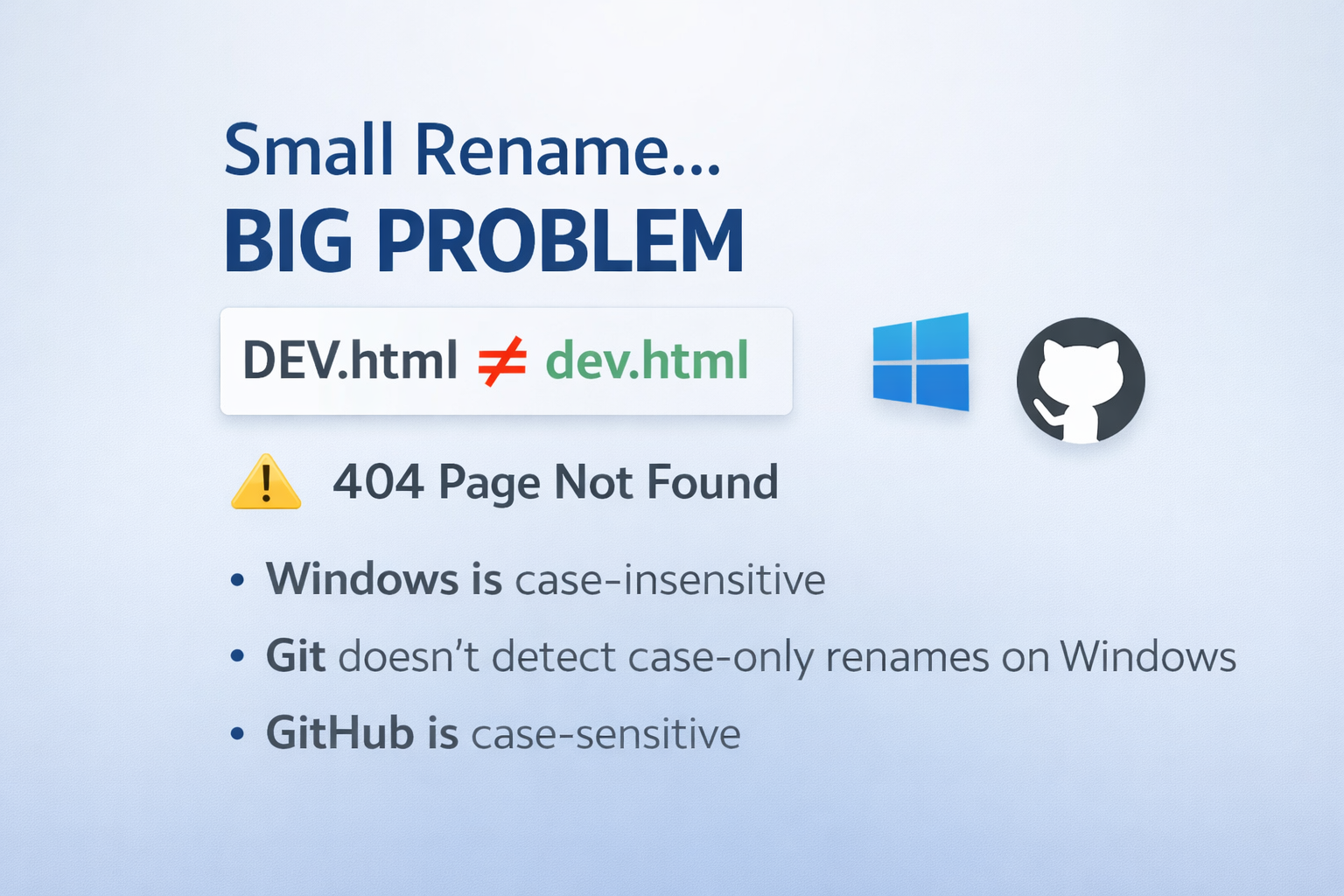
A small Git detail taught me a production-level lesson the hard way.
I recently ran into a subtle issue while working with Git on Windows. It looked harmless at first — until it showed up in production.
I had a file named DEV.html.
I pushed it to GitHub and everything worked as expected.
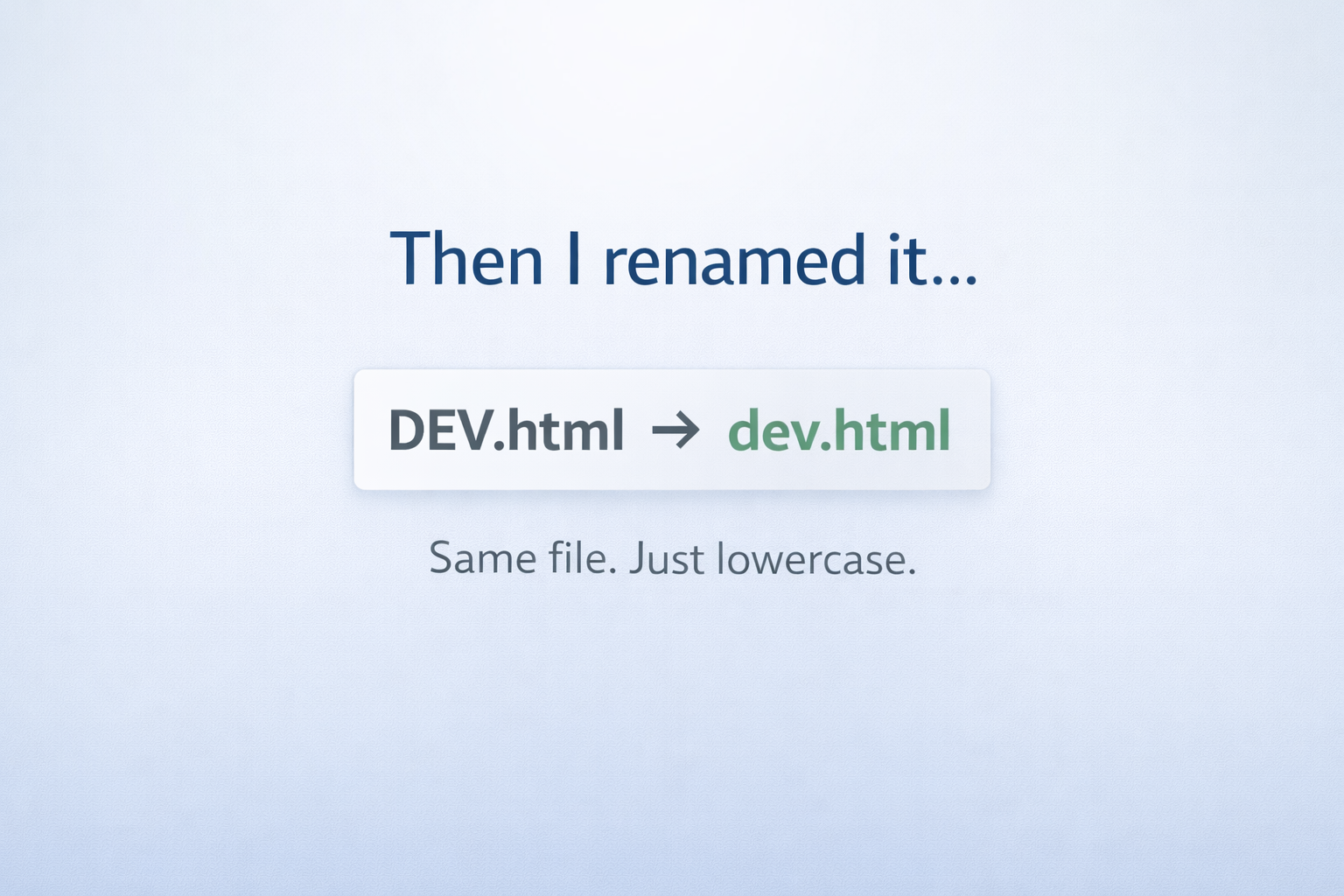
Later, I renamed it locally to dev.html (just a case change) and pushed again.
No errors. No warnings. Everything looked fine.
But in production, links like <a href="dev.html"> started returning 404 – Page Not Found.
After some digging, I realized GitHub still had the file named DEV.html.
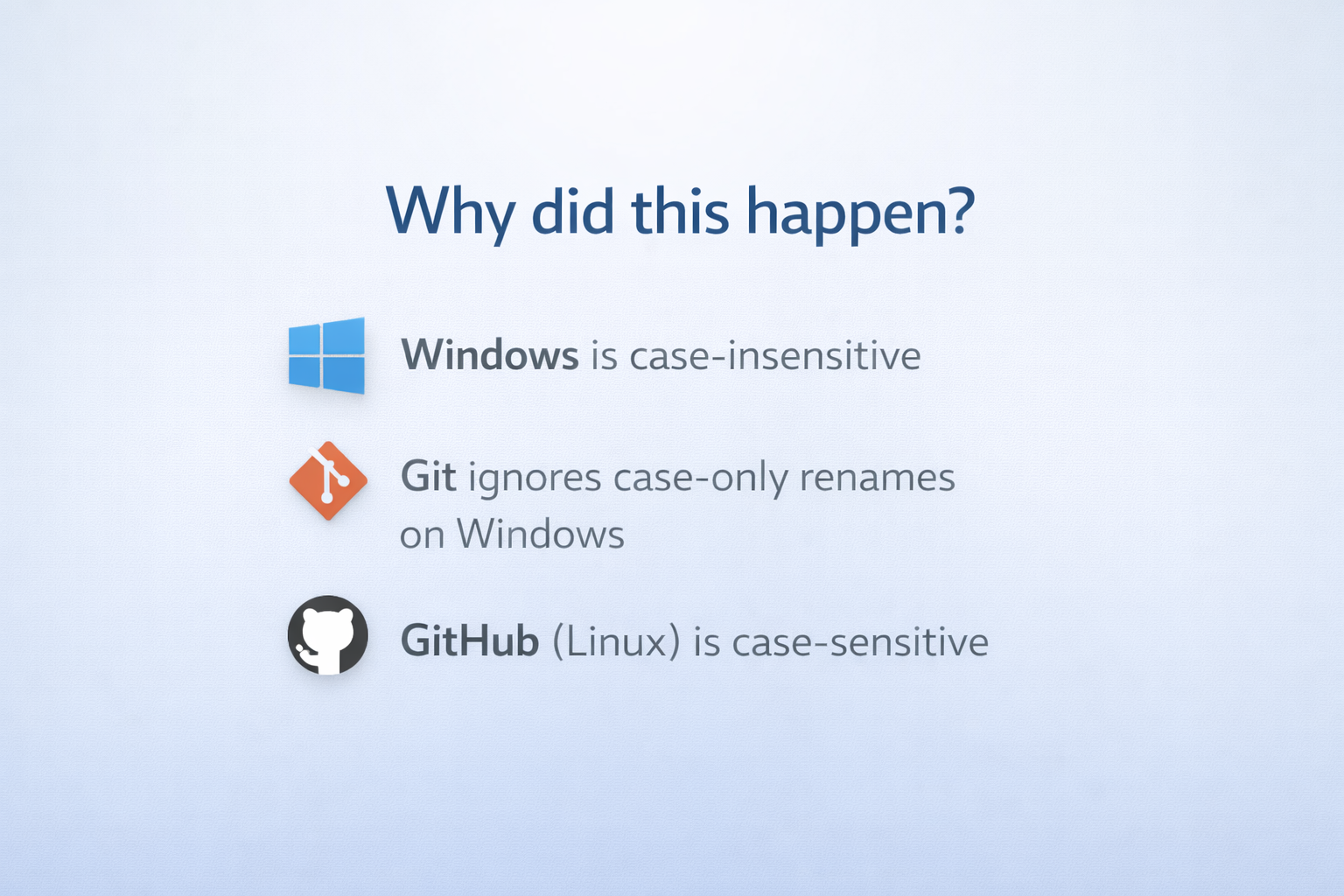
🔍 What was happening? This isn’t a Git bug, but a cross-platform design limitation:
- Windows filesystems are case-insensitive
- Git on Windows doesn’t detect case-only renames
- GitHub runs on Linux, which is case-sensitive
So Git never recorded the rename, and GitHub never received it.
⚠️ Why this matters
In small projects, this is easy to miss. In larger projects, it can silently break navigation and cause production-only bugs — the classic “works on my machine” problem.
✅ What I learned
- Always use lowercase filenames
- Use
git mvwhen renaming files - Enforce naming rules with CI or pre-commit hooks
Sharing this in case it helps someone avoid a similar issue.
👈

👈

👈
👈

👈
👈

👈

👈
Can I run Apache and Nginx on the same AWS EC2 instance?

Yes ✅ you can install another web server like Nginx, but there is one important rule you must understand first.
1️⃣ Can multiple web servers be installed?
✔ YES — installed
❌ NO — running on the same port (by default)
You can install:
httpd(Apache)nginx
at the same time.
But you cannot run both on port 80 at the same time.
2️⃣ Why port 80 is the problem
By default:
- Apache (
httpd) → listens on port 80 - Nginx → listens on port 80
Only one process can bind to a port.
So:
- One will start ✅
- The other will fail ❌
3️⃣ Check if Apache is currently running
sudo systemctl status httpd
If you see:
Active: active (running)
👉 Apache is running on port 80.
4️⃣ You can safely install Nginx now
Installing does not affect Apache.
sudo yum install nginx -y
This only:
- Downloads packages
- Installs files
- Does NOT start nginx automatically
5️⃣ What happens if you start Nginx now?
If Apache is running:
sudo systemctl start nginx
You’ll likely see:
Failed to start nginx.service: Address already in use
This is normal, not an error in installation.
6️⃣ Two safe ways to use both web servers
✅ Option 1: Stop Apache, use Nginx
sudo systemctl stop httpd
sudo systemctl disable httpd
Then:
sudo systemctl start nginx
sudo systemctl enable nginx
👉 Now Nginx uses port 80.
✅ Option 2: Run both using different ports (Learning setup)
Change Nginx port to 8080.
sudo vi /etc/nginx/nginx.conf
Change:
listen 80;
To:
listen 8080;
Then:
sudo systemctl start nginx
Access:
http://<EC2-IP>:8080
7️⃣ Check which service is using port 80
Very important command:
sudo ss -tulnp | grep :80
or
sudo lsof -i :80
This tells you exactly which process is using the port.
8️⃣ Why would someone install both?
Common real-world reasons:
- Learning & comparison
- Migrating from Apache → Nginx
- Apache for legacy apps, Nginx as reverse proxy
- Load balancing setup
9️⃣ AWS EC2 security group reminder ⚠️
Make sure:
- Port 80 is allowed (HTTP)
- Port 8080 is allowed (if used)
Security Group → Inbound rules
✅ Final Answer (Simple)
✔ You can install Nginx even if Apache exists ✔ You cannot run both on port 80 ✔ Stop one OR change port ✔ This is normal Linux behavior